 Refurbished Direct
In logistics, everything revolves around timing. A planner waiting for a slow laptop, a warehouse manager who can’t open their report, a driver who only updates their paperwork once they get home. Minor annoyances, but they cost time every day. With the right hardware, you can solve many of these issues, and it doesn’t have to be expensive.
Which role requires which laptop?
Not everyone in a logistics company does the same job. A single standard laptop for the whole organisation therefore rarely works well.
Planners and dispatchers
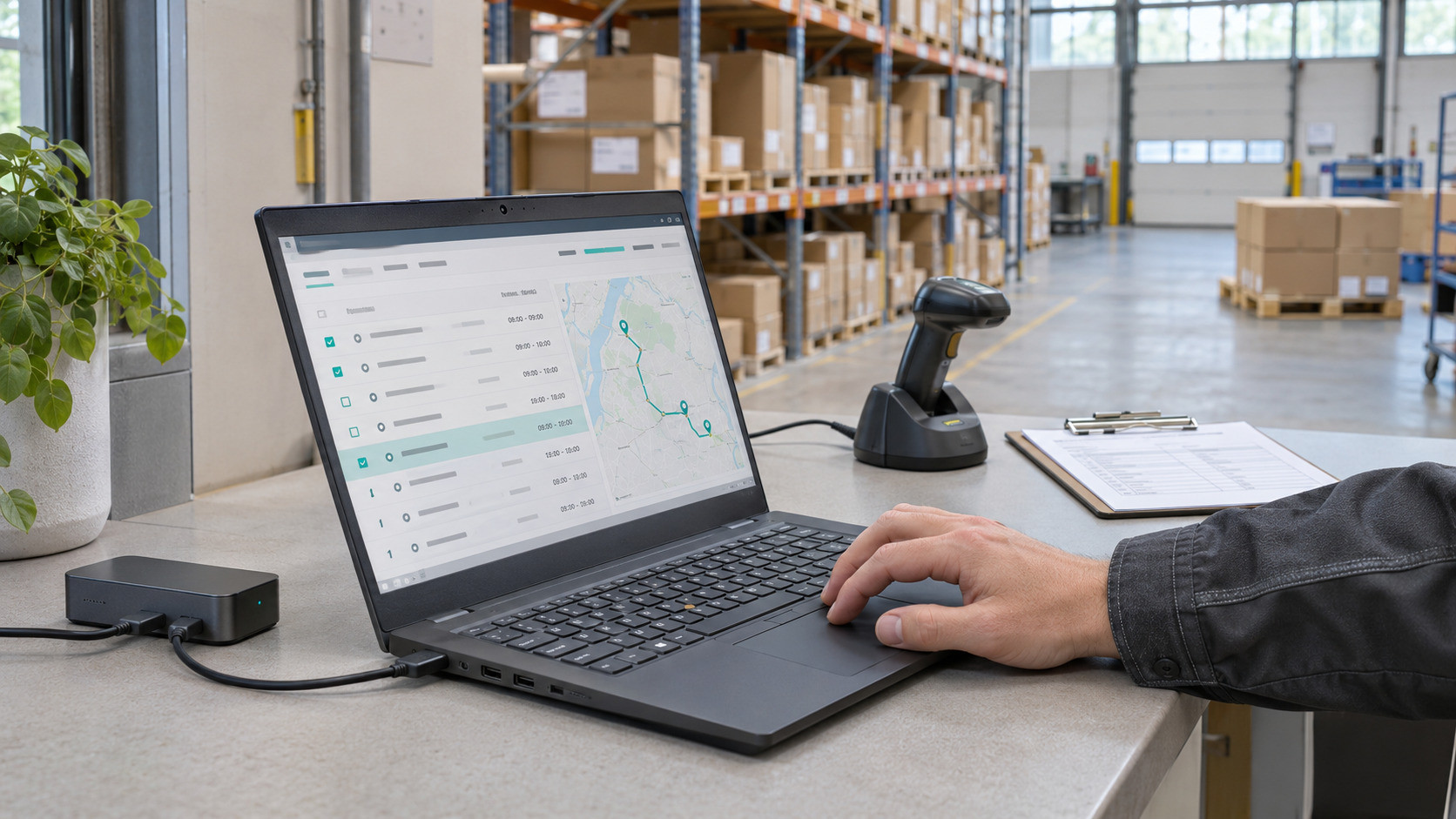
They often have the TMS, email, maps and a few spreadsheets open at the same time. A laptop with at least 16 GB of RAM and a good docking port is no luxury here. In the office, you can connect two external monitors to it, and if the planner works from home for a day, they can simply take the same laptop with them.
Warehouse and dispatch
Durability is key here. A laptop on a workbench amongst pallets and dust needs to be able to withstand a bit of a knock. Business ranges such as the Dell Latitude and Lenovo ThinkPad have sturdier casings and hinges than consumer laptops. For truly harsh environments, there are rugged laptops, but these are considerably more expensive.
Drivers and field staff
Lightweight, with a long battery life and, if required, a SIM card slot for mobile internet. A tablet is often sufficient. However, if you process a lot of documents whilst on the move, a compact 13- or 14-inch laptop is a better choice.
Why do logistics companies opt for refurbished equipment?
Because margins in the sector are tight and the IT budget is therefore limited. A refurbished laptop is a business-grade device that has been tested, cleaned and, where necessary, repaired following a previous period of use. For the same price, you get a more robust device than a new entry-level laptop.
There’s another factor at play. Many logistics companies are working towards their sustainability targets, from electric trucks to smarter routes. IT often gets overlooked in this process, even though extending the lifespan of laptops is a practical step that requires little effort.
What should you look out for when buying one?
A refurbished laptop is only a good deal if it’s suitable for the job. Check these points.
- Windows 11 with a valid licence, as older hardware will no longer receive updates
- Plenty of ports, or a docking station designed for that model
- A tried-and-tested battery, especially for staff who are often on the move
- Warranty and a dedicated contact person at the supplier
- Preferably several units of the same model, to keep management simple
Data and security
Laptops used in logistics contain customer data, addresses and freight information. Ensure that new devices are encrypted and that old laptops are only disposed of once the data has been verifiably erased. Also ask your supplier how the previous user’s data was removed.
Lease, buy or go for a refurbished model?
Leasing spreads the costs and takes care of replacements for you, but over the entire term you often end up paying more and are tied to a contract. Buying gives you freedom, but you’ll have to manage maintenance and replacements yourself. Buying refurbished falls somewhere in between, with a lower purchase price and the freedom to decide for yourself when to replace it.
How do you go about a replacement programme?
Start by taking stock. Which laptops are the oldest, which ones generate the most complaints, and which ones are still running Windows 10? The latter group takes priority, as Microsoft will end support for them in October 2025.
Next, choose a specific model for each role. Refurbished or new? For most office and planning roles, refurbished is perfectly fine, as long as you stick to a single business range. This makes imaging, drivers and spare parts much easier to manage.
Roll out the system in phases. Start with one department, iron out any teething problems, and then move on. This will prevent planning operations from grinding to a halt because half the workforce is using new hardware at the same time.
Don’t forget the peripherals
Docking stations, power supplies and headsets are often only discussed on the day of the roll-out. Include them in the same order, and everything will be ready in one go.